Overview
The Engage menu is where students can exchange all of the coins they have earned to play games, earn a reward, view the leaderboard, and more.
Enabling Games and the Class Wall
Games and the Class Wall, are enabled by default, but teachers can adjust various components of this feature for their students. Access to the Games and Class Wall is managed in Class Settings under the Privacy tab. By toggling this to off, students cannot use coins to play games or write on the class wall. 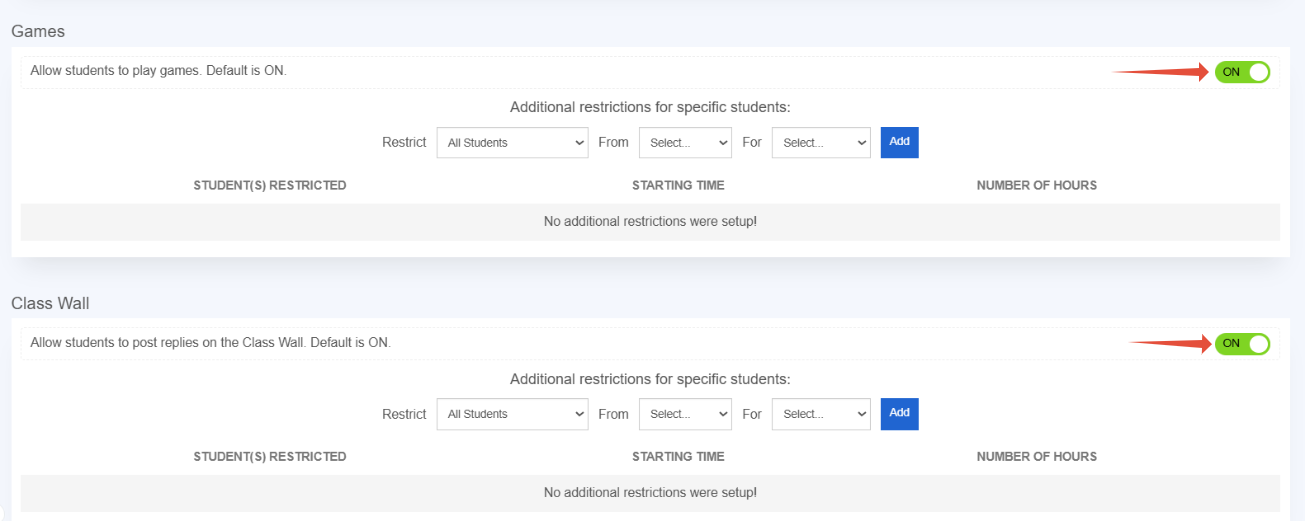
Students will see the Games section within their account and can navigate there by hovering over Engage and selecting Games to spend their hard-earned coins to play a game or use it on a Reward.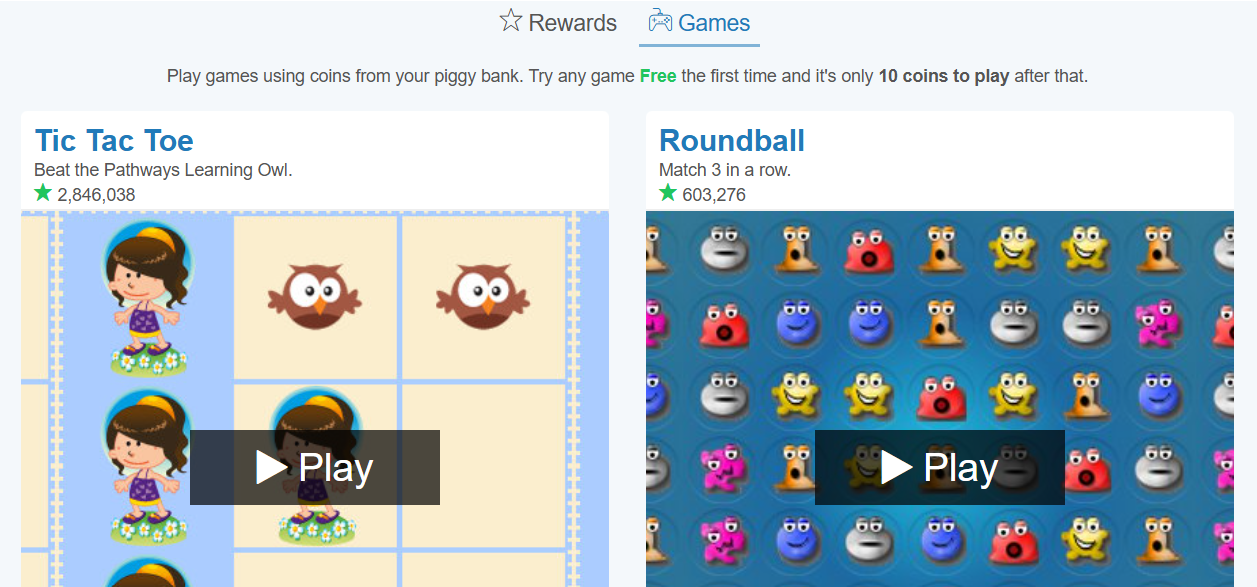
What can students do under the Engage menu of their account?
- Play games. The first time any game is played it is free. Subsequent plays cost 10 coins each time. Games time out after 5 minutes.
- Rewards can be accessed if the teacher has set them up.
- Respond to the teacher's post on the Class Wall.
- Check out the Leaderboard to see who is in the lead!
- Review their behavior report.
Related Resources
- Learning Video: User Engagement
- Pathways Learning: The Student Experience
- Pathways Learning: All About Coins
Was this article helpful?
That’s Great!
Thank you for your feedback
Sorry! We couldn't be helpful
Thank you for your feedback
Feedback sent
We appreciate your effort and will try to fix the article