Overview
This article walks district and school administrators through how to manage their site license.
Steps to Follow
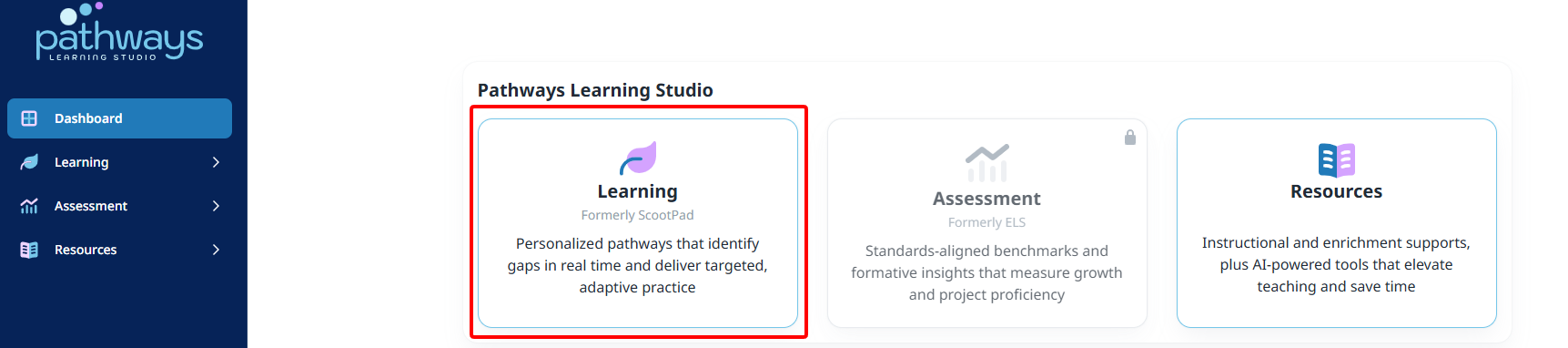
- Launch the Learning module from the dashboard and then your school or district.
- Manage the license by selecting the correct menu option depending on your role.
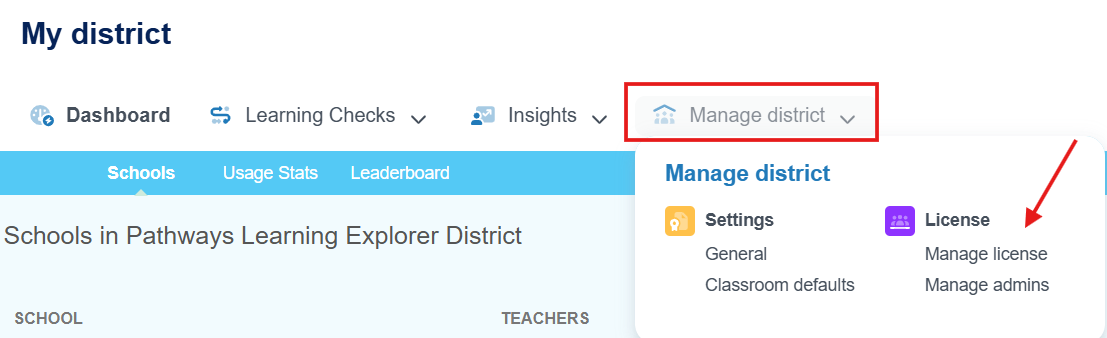
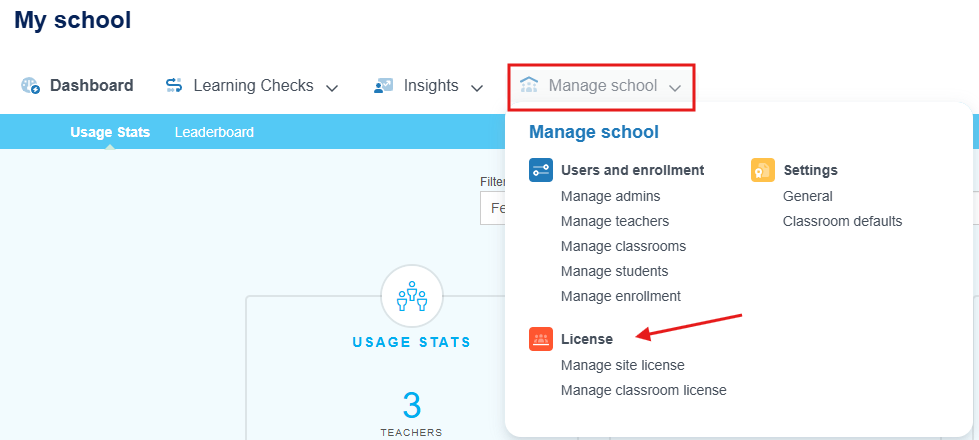
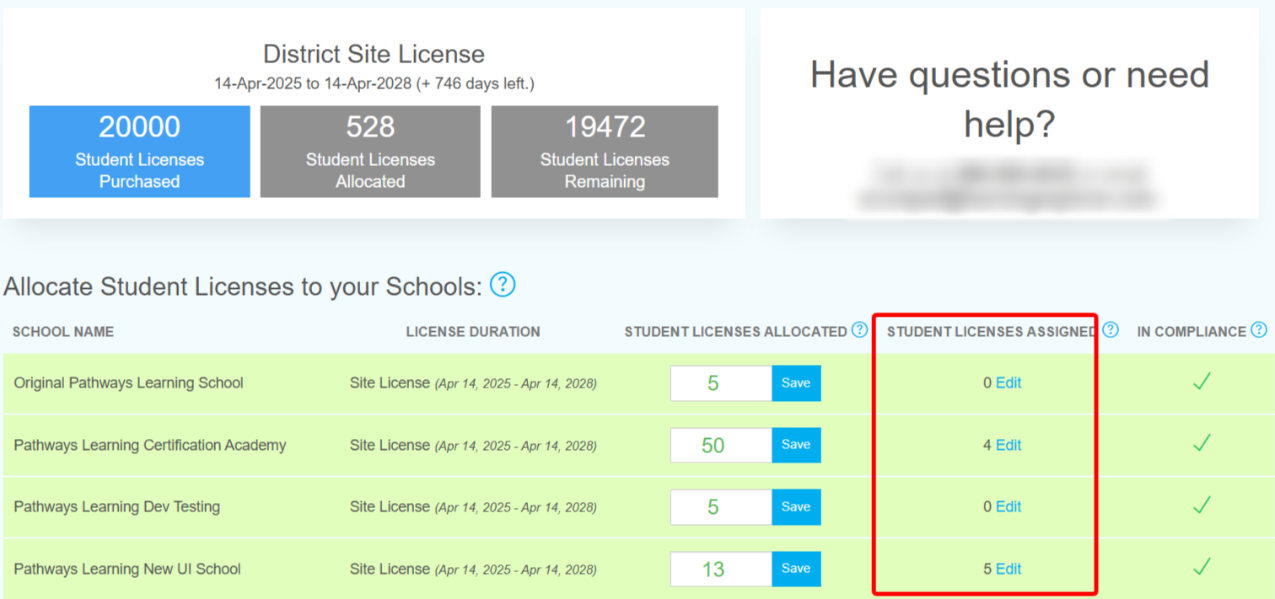
- Licenses can be distributed by school when at the district level and also assigned to teachers.
- Teachers can be enabled at the school level.
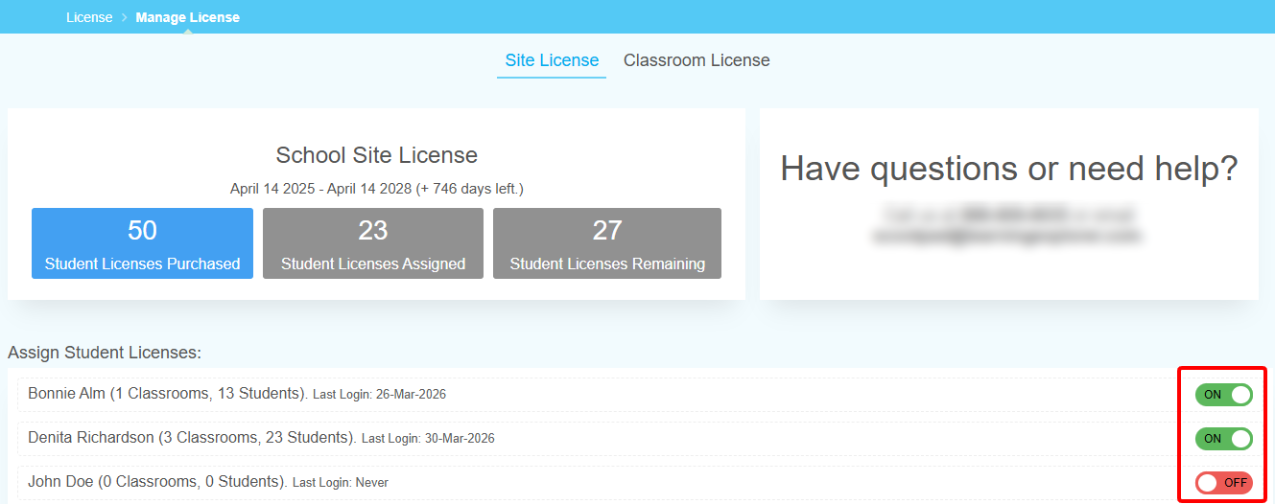
Note: Visit the Manage License page if teachers mention their classrooms say expired or if you need to increase the number of licenses allocated to schools.
Related Resources
Was this article helpful?
That’s Great!
Thank you for your feedback
Sorry! We couldn't be helpful
Thank you for your feedback
Feedback sent
We appreciate your effort and will try to fix the article