Overview
Pathways Learning is a K-8 platform offering Math, ELA, Spelling, and eBooks, which adapts in real-time to meet students exactly where they are with the right level of practice, instruction, remediation, and assessment to ensure they master every concept.
Table of Contents
What do I see when I sign in?
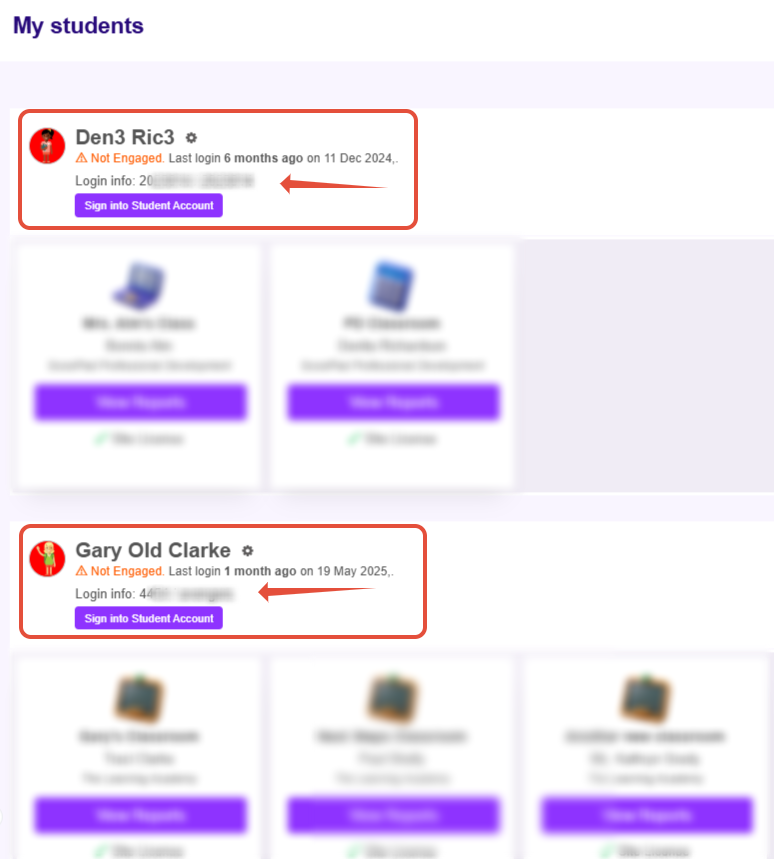
Once your student's teacher invites you via email, you can sign into your parent account where you will see all students you have been connected to.
- You can see the student's login information.
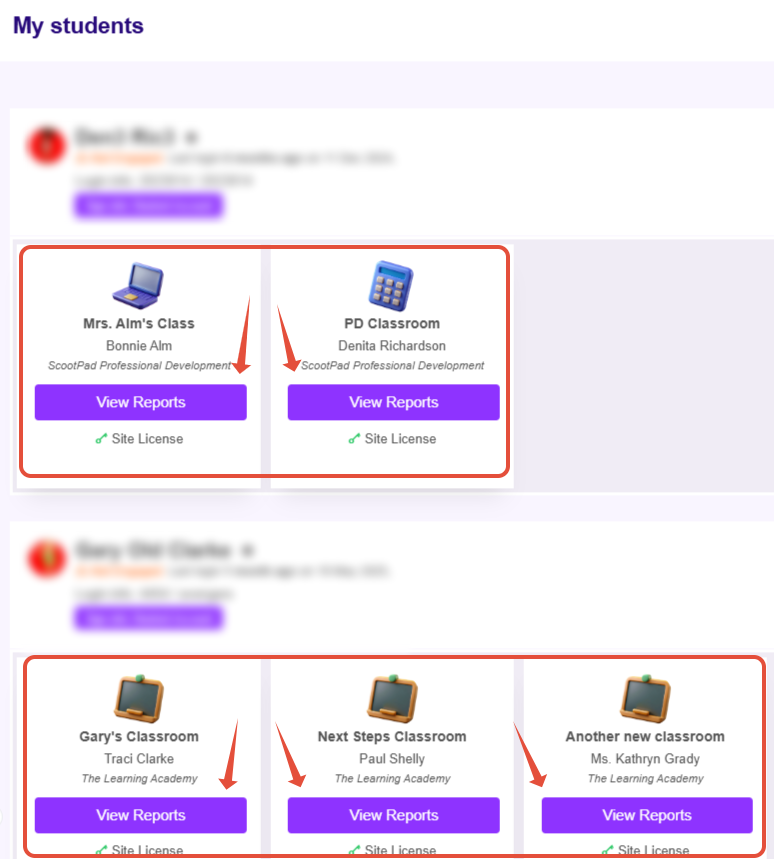
- You can also launch into each of the classrooms the student has been enrolled in.
How do I review my student's progress?
Your student’s teacher may have assigned specific tasks for independent work in addition to the Adaptive or Automatic tasks which remain on his or her dashboard.
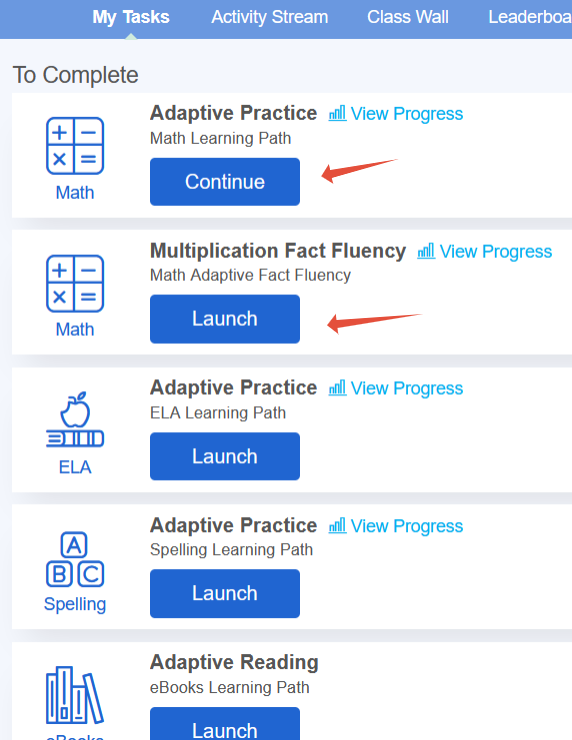
- Once you have launched a specific classroom, tasks will be listed on the dashboard. Students will click on launch for one of the tasks.
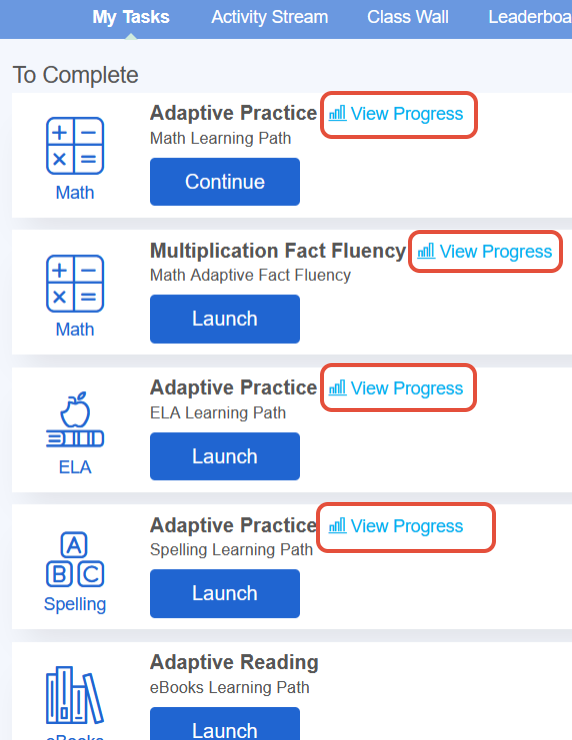
- On the dashboard, you can click "view progress" to see how they are doing within their Learning Paths (Math, ELA, Fact Fluency, and Spelling).
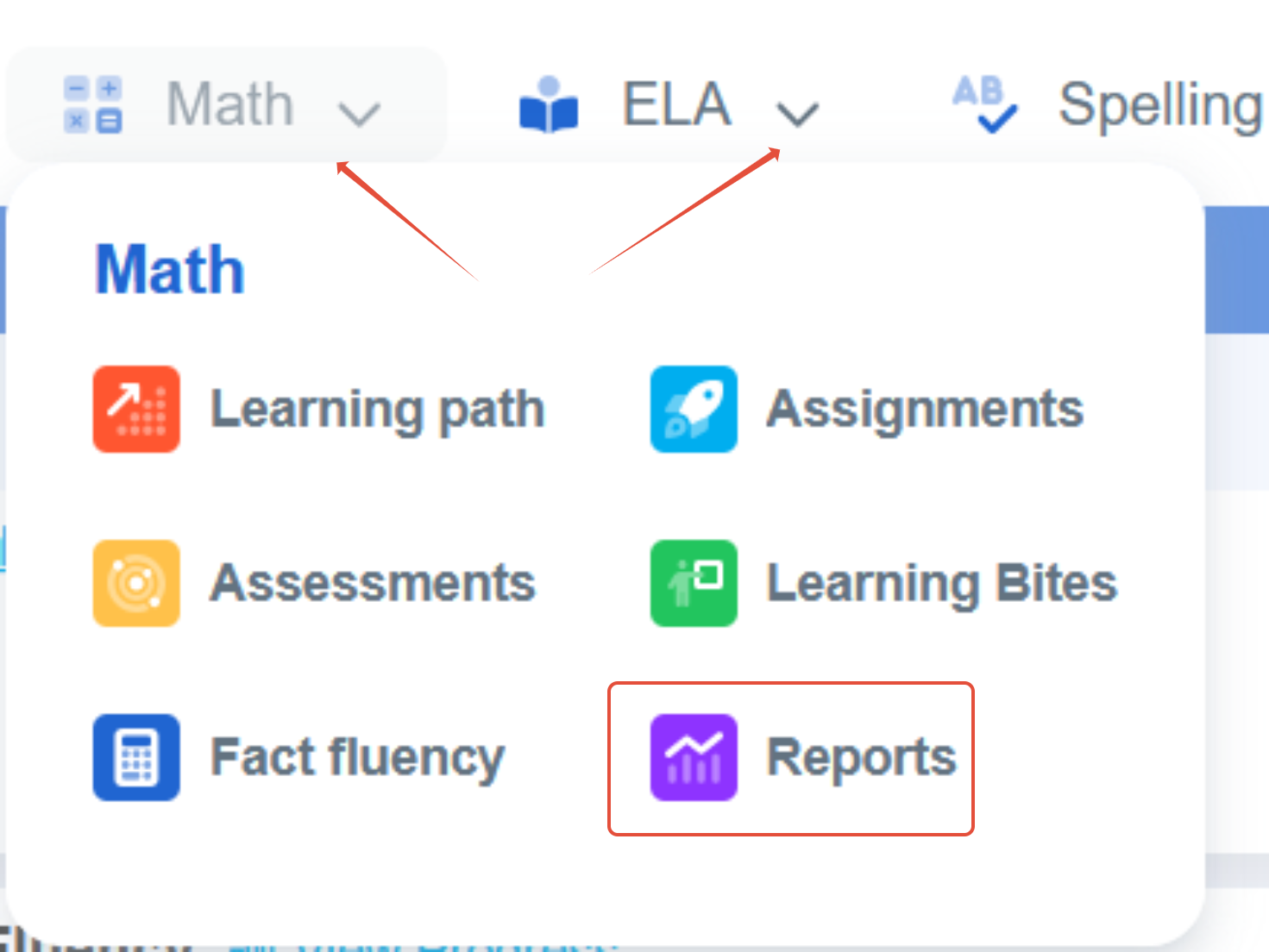
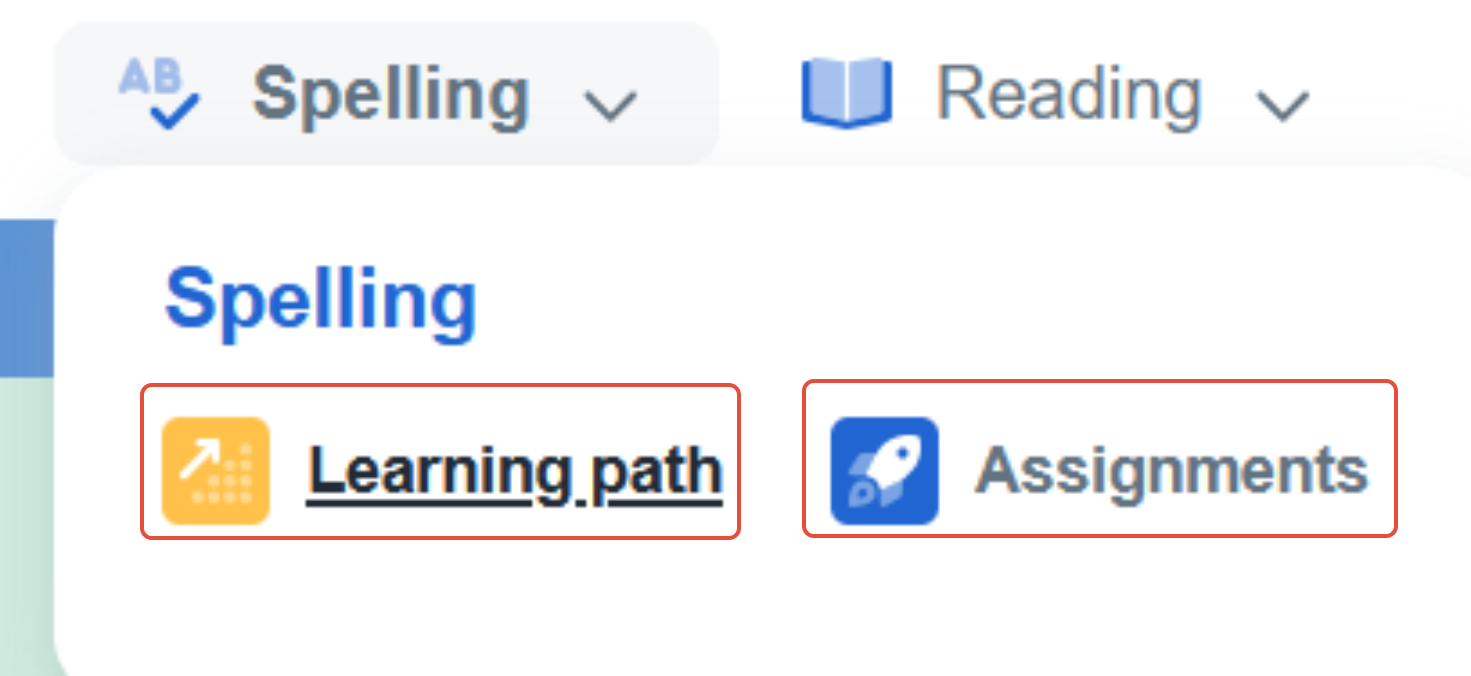
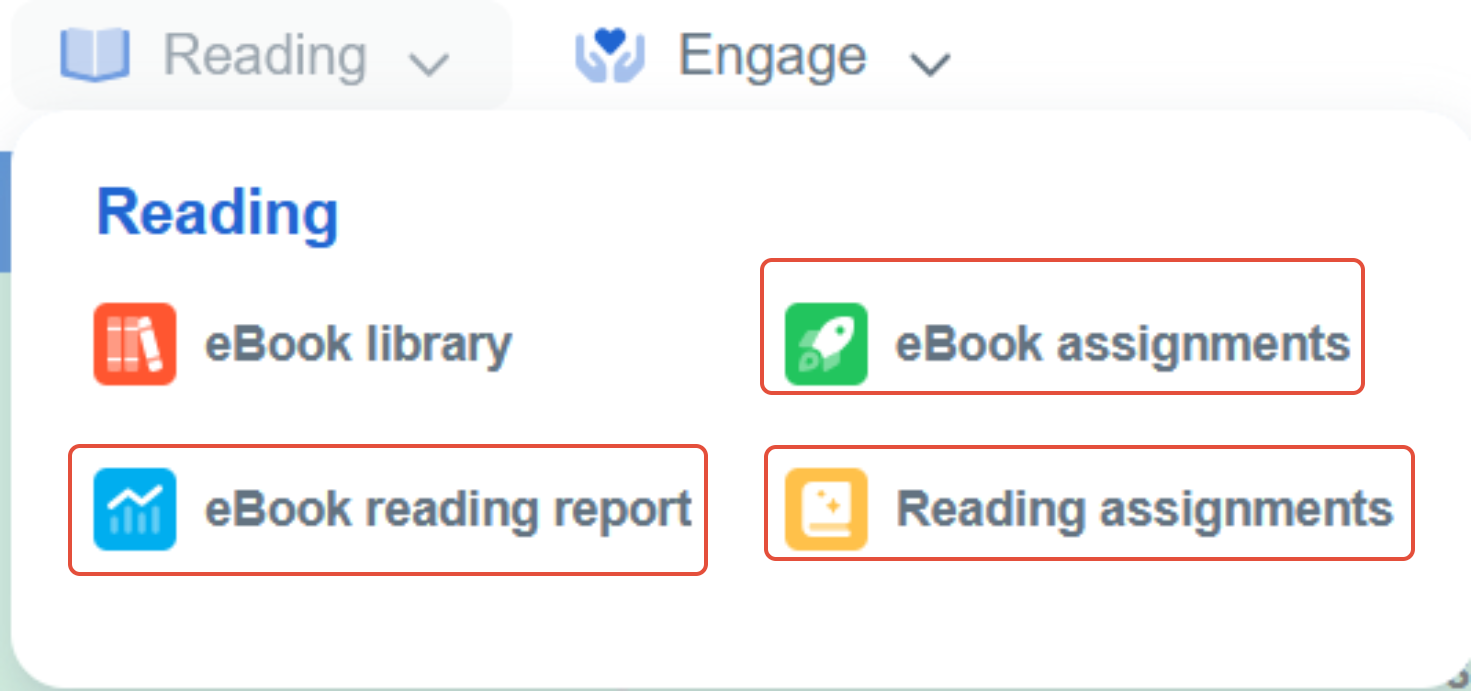
- To review additional progress, you can hover over Math or ELA and select reports. You can also review Spelling practice results under Spelling and other reports under Reading.
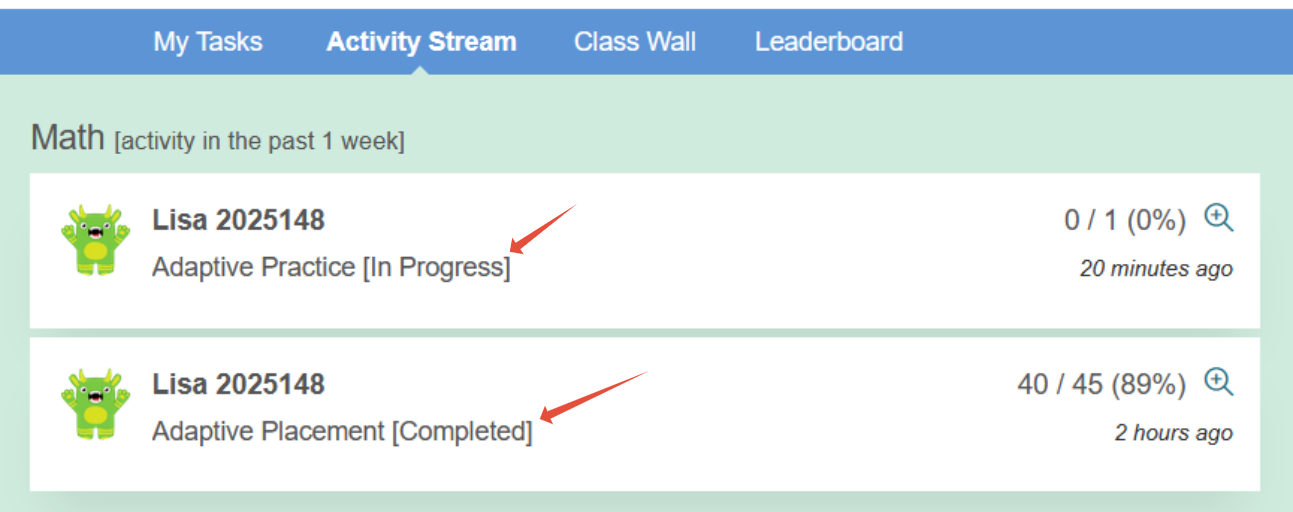
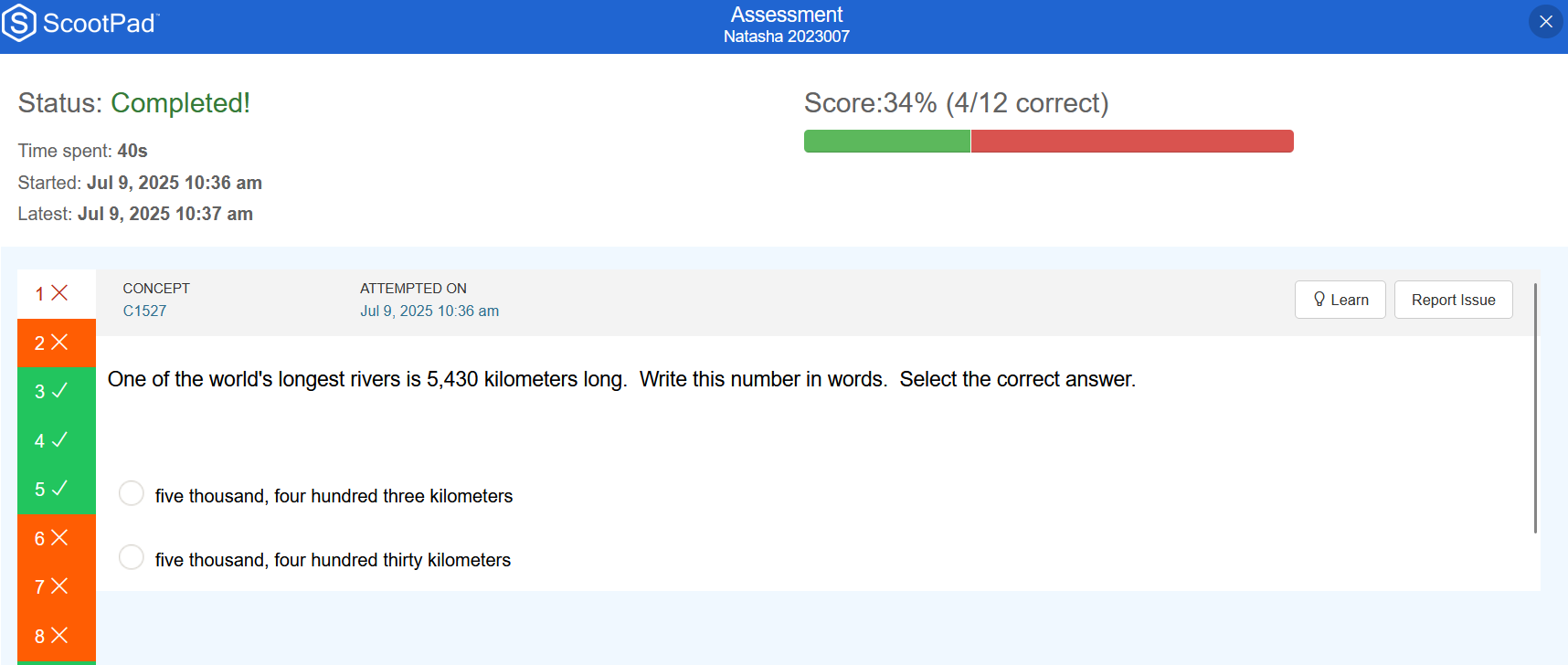
- Math and ELA practice and Learning Checks (quizzes) for the past week can be reviewed once the student selects Activity Stream.
What is the Message center?
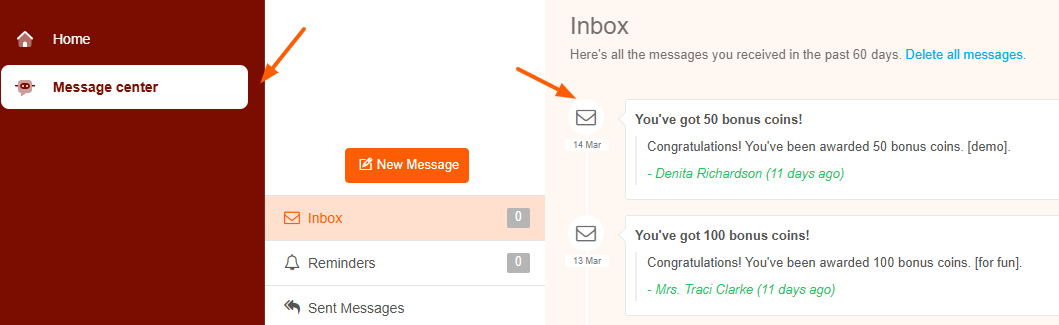
The Message center is where you can see messages from teachers to students, messages sent directly to you, or reminders for students to complete tasks. These are one way messages.
Was this article helpful?
That’s Great!
Thank you for your feedback
Sorry! We couldn't be helpful
Thank you for your feedback
Feedback sent
We appreciate your effort and will try to fix the article